For a few years now, Apple has stuck to the formula of releasing two regular iPhones and two Pro iPhones. It used to be that the Pro models for ‘pro’ users would feature all the bells and whistles that users aspired to, while the base models would get some minor upgrades to keep them relevant. With the iPhone 16 series, Apple did something very un-Apple-like and gave the base iPhone 16 and iPhone 16 Plus more than a few iterative upgrades. They’re actually really good now.
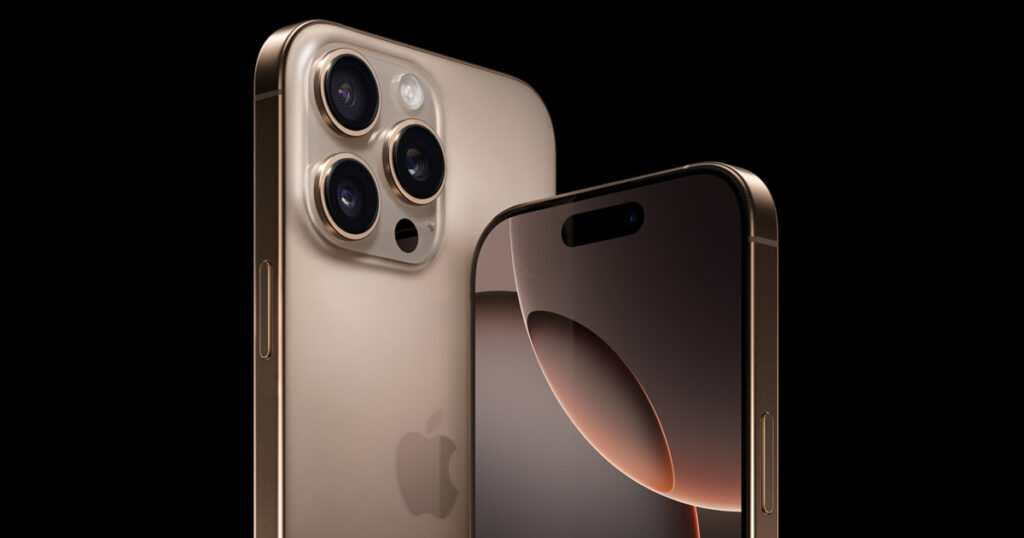
The iPhone 16 and iPhone 16 Plus feature the Camera Control ‘button’, the Action Button, a significantly updated A18 chipset, and are Apple Intelligence-ready. That’s right, they get a lot of the features available on the iPhone 16 Pro models, thereby reducing that gap Apple had created a few years ago.
Verdict
The base iPhone 16 is a wonderfully compact device that packs several Pro-grade features, such as the Action Button, Camera Control button, an attractive design, faster charging, and (eventually) Apple Intelligence. Honestly, the only reasons to upgrade to this year’s Pro model are the telephoto camera, larger displays, and a higher refresh rate. For everything else, the iPhone 16 simply works.
Camera Control
Before I dive into typical aspects like the design, performance, and cameras of the iPhone 16, we need to talk about Camera Control. This brand-new button on this year’s iPhones is something I really tried to like. I really did. And that’s the problem. Apple wants you to train yourself to use a new camera button when we’re already accustomed to multiple ways to open and use the camera: tapping the camera app from the home screen, using the on-screen camera button on the lock screen, mapping the Action Button to open the camera, or simply swiping left on the lock screen.
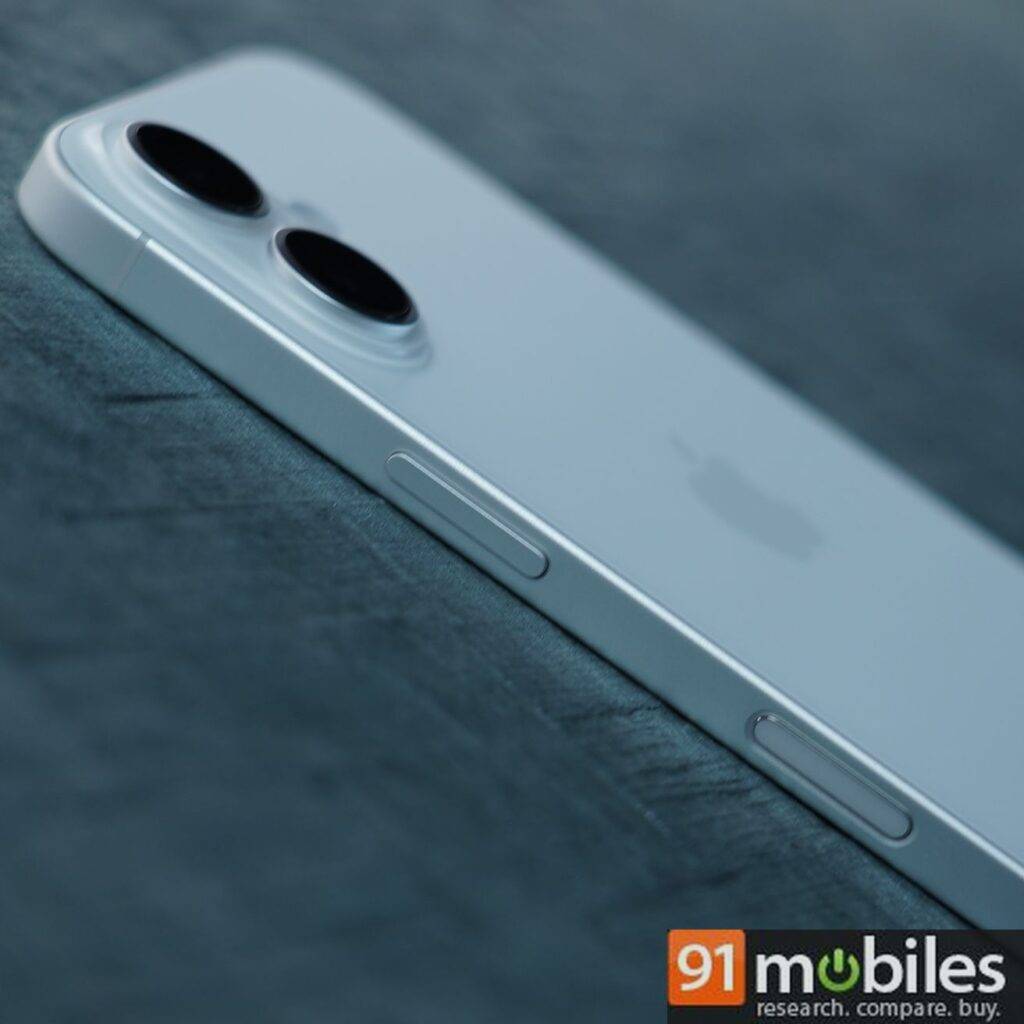
Being a long-time iPhone user, these alternative ways come naturally to me, so I had to really force myself to remember that we have a new button on the right side to use the camera. And even after remembering it, the bigger problem is that the Camera Capture button is just too finicky at the moment. Apple might make things easier with a future update, but we’re talking about the way things are right now.
Overall, there’s a lot to remember when using Camera Control, and it is a learning curve for those who are patient.
Camera Control has multiple functions depending on how you press it. Pressing it fully captures a photo, while pressing and holding it starts video recording. A light press triggers a haptic click that opens a setting, such as Zoom or Exposure, which you can adjust with a swipe. A double light press allows you to toggle between these settings. Once you select a setting like Depth, it becomes the default each time you use the button. I found this problematic, as I didn’t need Exposure or Zoom as defaults all the time, and going back to select a different setting became tedious. Overall, there’s a lot to remember when using Camera Control, and it is a learning curve for those who are patient.

The placement of Camera Control makes it clear that it is meant for horizontal photography and not vertical, which is weird as we live in a social media age where vertical photos and videos are the go-to choice for a lot of people, especially creators. While the button is great for quickly launching the camera app right out of your pocket, I would usually go to the on-screen shutter and other controls rather than go through the hassle of using Camera Control. And pressing down on the button would end up shaking the device and resulting in a blurry photo. I tried liking the button. I really did.
Design and display
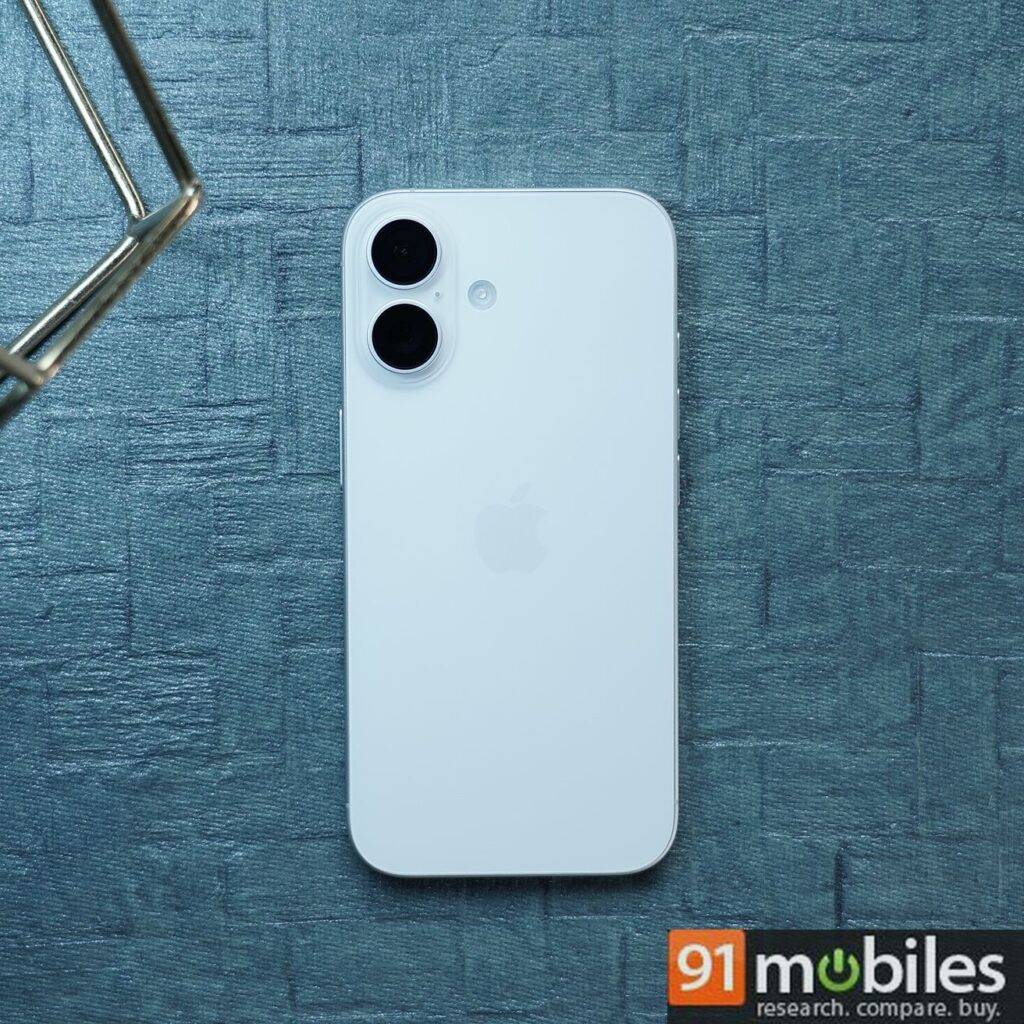
The iPhone 16 is indiscernible from the iPhone 15 when viewed side-by-side, display up. The only way to tell them apart is by the rear camera alignment and the extra buttons on the sides. The iPhone 16 features a vertical rear camera layout, as opposed to the diagonal layout on its predecessor. Those paying close attention will also notice the Action Button on the left side above the volume buttons and a flush strip on the right side below the power button.

Another way to identify the iPhone 16 is by its colours. The base iPhone 16 models now come in more vibrant and saturated colours compared to the subtle, lighter shades of their predecessors. The Ultramarine, Teal, and Pink colours stand out and are likely to be popular among buyers. We received the White iPhone 16, but there’s also a Black option for those who prefer more understated tones, which will likely be covered by a case anyway.
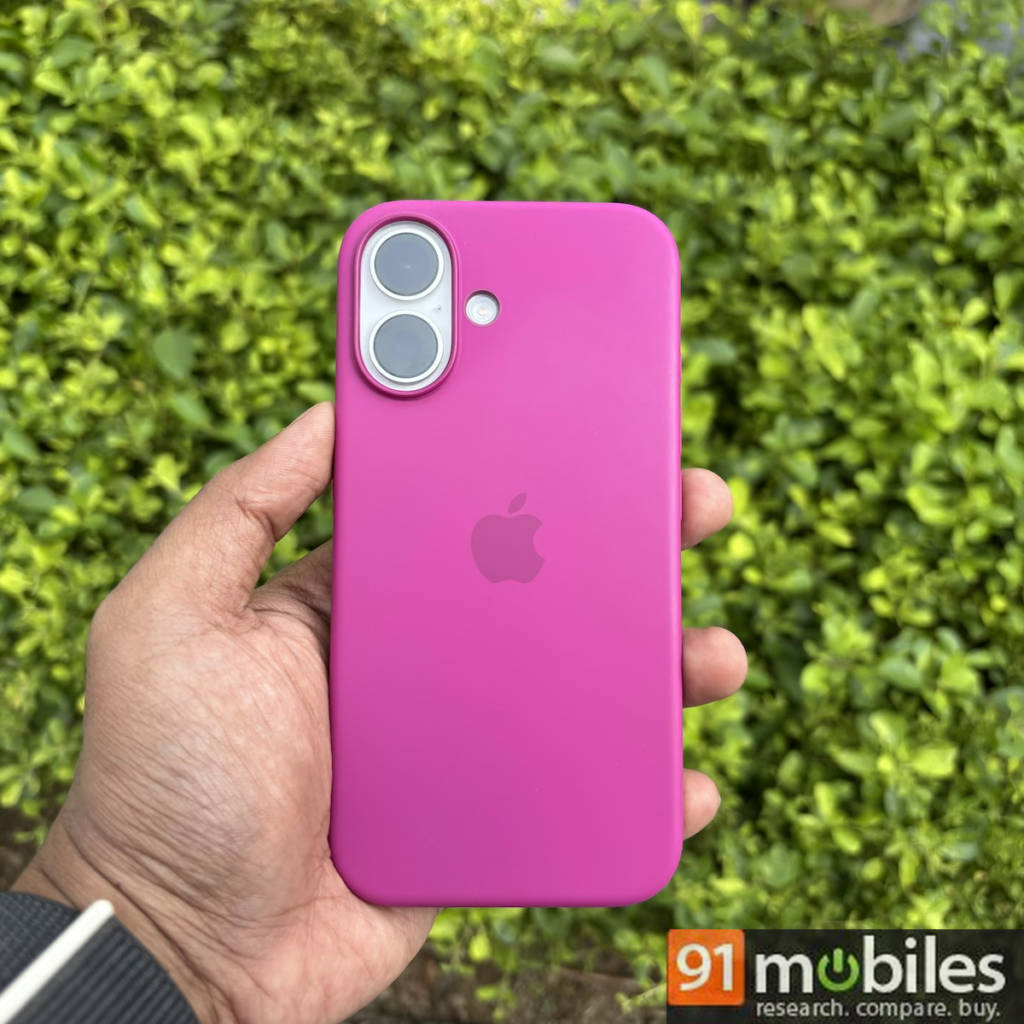
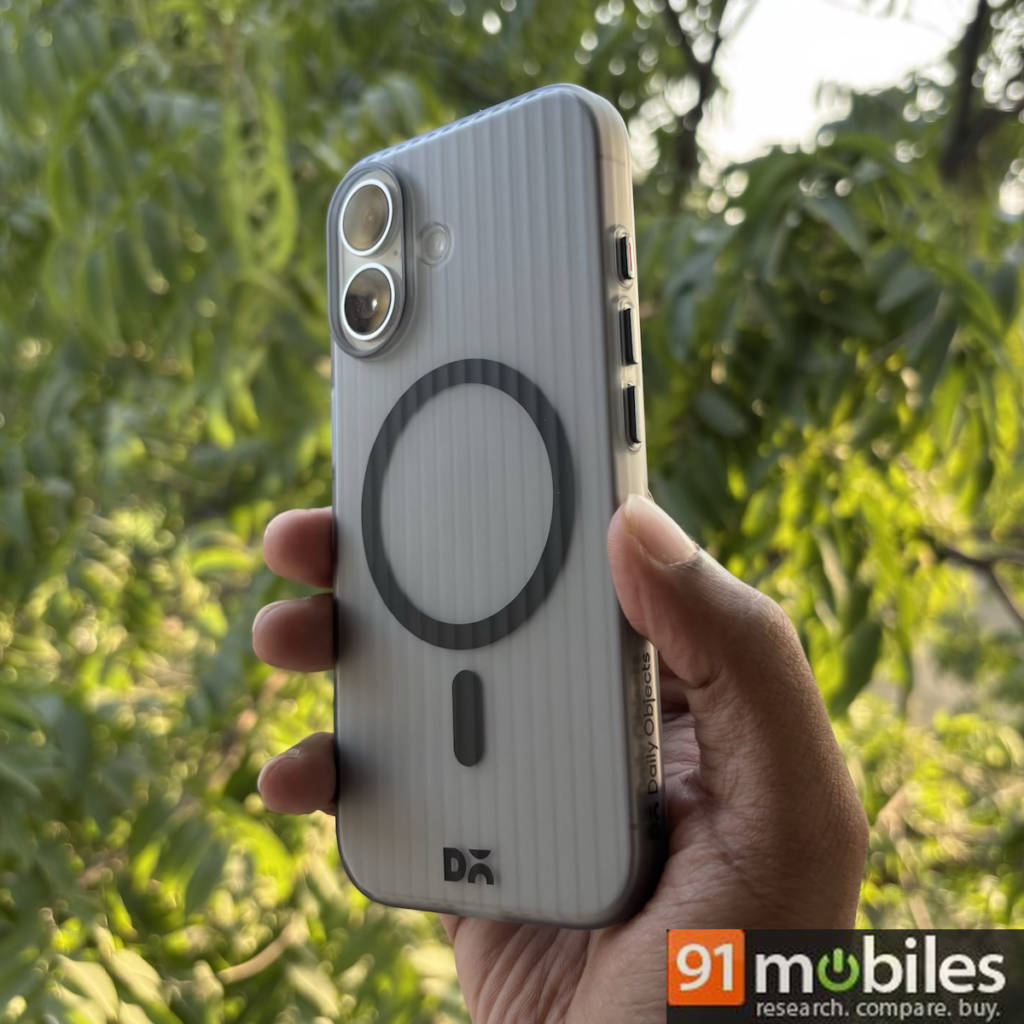
Speaking of cases, I got the Fuchsia silicone case, which pairs well with the White iPhone and costs Rs 4,900 on the Apple Store. If you’re looking for something more affordable, I also checked out DailyObjects’ transparent Beam MagSafe case, priced at Rs 999. It offers a smooth feel and nice grip, though the metallic buttons on the sides, while tactile, might seem a bit flimsy. Both the iPhone 16 and iPhone 16 Plus are water and dust-resistant and come with the latest generation Ceramic Shield.
The addition of the Action Button marks the end of the Ring/Silent flip switch era. I’d like to take a moment to appreciate the simplicity of flipping the switch down for silent mode and back up for the ringer. While the Action Button still handles this by default, if you remap it to launch something like the flashlight or magnifier, you’ll have to use the on-screen option in the Control Center to switch between ring and silent modes.
The addition of the Action Button marks the end of the Ring/Silent flip switch era. I’d like to take a moment to appreciate the simplicity of flipping the switch down for silent mode and back up for the ringer.
The iPhone 16 retains the same 6.1-inch Super Retina XDR display as its predecessor. It also shares the same 2,556 x 1,179-pixel resolution, 460 ppi, up to 2,000 nits peak outdoor brightness, and (unfortunately) 60Hz refresh rate. There’s no always-on display, again. The only addition is that the minimum brightness can now go as low as 1 nit, which is great for those who like to scroll through social media in the dark before bed. If you can look past Apple’s insistence on using a 60Hz display in 2024, every other aspect is excellent, including the screen’s sharpness, colours, and brightness under direct sunlight.


Camera
Despite coming with only two rear cameras, the iPhone 16 (and iPhone 16 Plus) can actually capture four modes. The 48MP primary ‘Fusion’ camera can capture 2x optical-quality photos. Note that it is “optical-quality” in that it will give you close to optical zoom photos without a dedicated optical zoom lens. The 2x zoom works quite well and is handy when you want to take close-up portraits. Meanwhile, the 12MP ultra-wide lens with autofocus allows you to take close-up macro shots, which wasn’t possible on the iPhone 15.
iPhone 16’s cameras produce sharp photos, though colours can look muted at times, which is where Photographic Styles really help.
I played with the cameras a lot over the last few weeks, including during my trip to Phuket, Thailand, and I was quite pleased with what the iPhone 16 was able to do in daylight conditions. Photos look sharp and clear, though colours can look slightly muted and less vibrant as Apple tends to go for natural-looking colours. This is where Photographic Styles really help, but more about that later. The iPhone 16 has a fast shutter and quick autofocus to help you capture sharp and blur-free photos.
The iPhone 16 gets a smaller sensor than the Pro models but that’s a good thing. The iPhone 16 is able to preserve some of the shadows in photos to offer a more contrast-y look compared to the iPhone 16 Pro (or even the 15 Pro) which lean towards brighter photos.

Macro photography using the ultra-wide lens works extremely well and I was able to take some really good close-up shots with plenty of details and sharpness.
Macro
Portraits look much more natural now than they did on the iPhone 15. In the comparison below, you can see the iPhone 16 capturing more accurate skin tones compared to the iPhone 15 Plus (review). Both phones offer almost the same levels of sharpness, but the overall colour rendering land clarity looks better on the iPhone 16.
🎁 अपना गिफ्ट पाने का अंतिम चरण पूरा करें! 🎉
नीचे दिए गए बटन पर क्लिक करें और व्हाट्सएप पर 5 दोस्तों के साथ शेयर करें।